
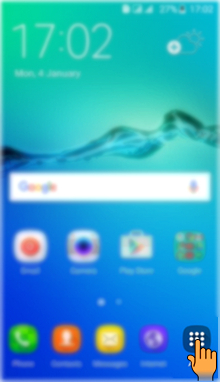
Step 1: Tap on Apps icon from the Home screen.
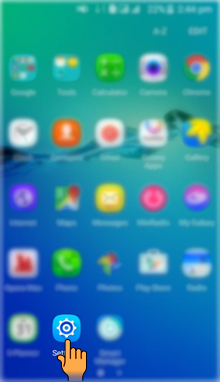
Step 2: Tap on Settings icon.
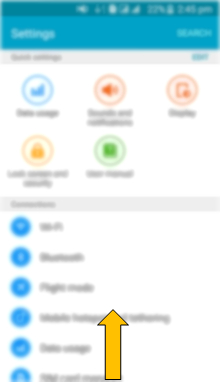
Step 3: Drag the Screen upwards to access more Settings.
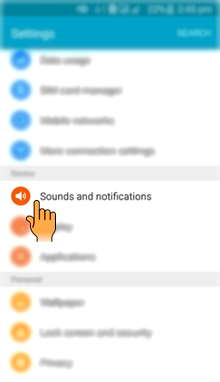
Step 4: Select and tap on Sounds and notifications settings.
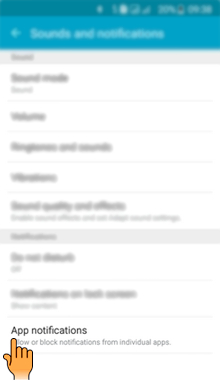
Step 5: Tap on App notifications option.
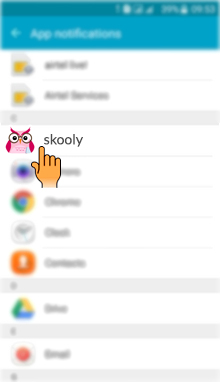
Step 6: Select and tap on the Skooly App.
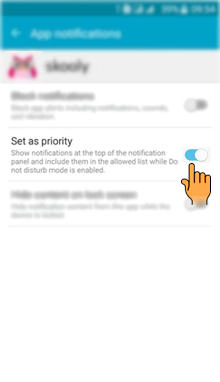
Step 7: Tap on the Switch to set the App as a priority.
Comments
0 comments
Please sign in to leave a comment.